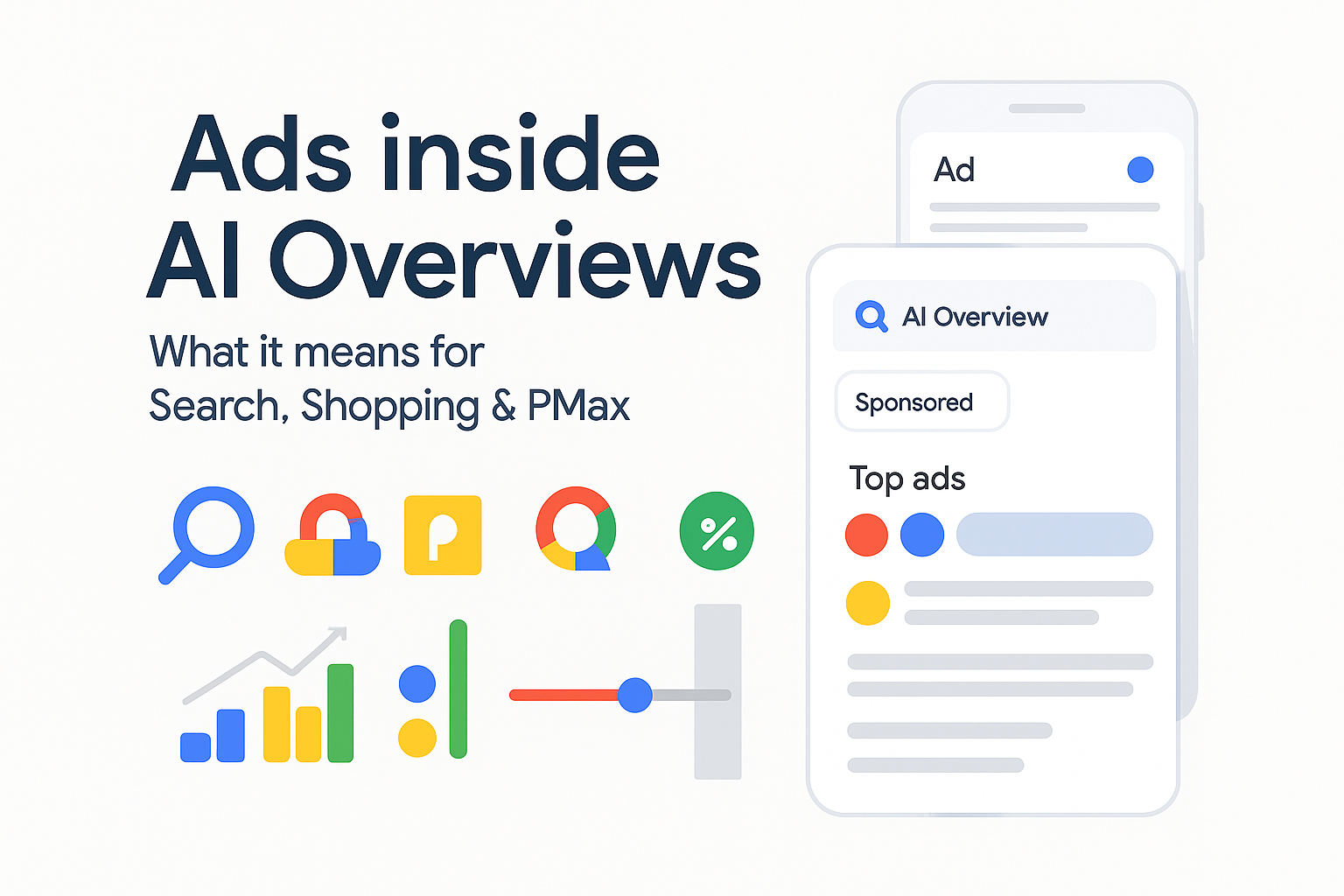
Google now shows ads inside AI Overviews, not only around them. You don’t build a new format—eligible ads from existing Search, Shopping and Performance Max can appear within the overview panel or above/below it (one or the other per auction). Reporting classifies these as Top ads, and currently you can’t target or opt out of AIO specifically.
At the same time, Google rolled out channel-level, search-term and asset reporting for PMax, giving you better visibility to rebalance budgets by surface as AIO changes click flows.
How AIO ads work (eligibility, placement, availability)
-
Eligibility & placement. Ads from Search, Shopping & PMax are eligible when relevant to both the query and the AIO content and they win the auction. They can show inside the AIO or above/below it—not both at once. Counted as Top ads. No AIO-only targeting and no opt-out.
-
Availability. Live in English in the U.S. on mobile & desktop (desktop expansion confirmed 21 May 2025). Google says more English-speaking markets arrive through 2025; AIO the feature (not ad placements) now spans 200+ countries/40+ languages.
Protecting non-brand: the five-part plan
1) Structure your demand
-
Separate brand vs non-brand budgets/targets so brand doesn’t mask shifts in generic demand.
-
For retail, pair Shopping/PMax with brand exclusions to keep generic queries clean; use PMax channel & search-term reporting to push spend to the surfaces that still convert.
2) “AIO-eligible” targeting
-
On Search, use Broad + Smart Bidding for exploratory queries (add rigorous negatives).
-
In PMax, ensure asset groups cover problem/solution angles that AIO surfaces; tighten brand controls to protect non-brand intent. (Google’s own guidance ties AIO reach to AI-powered matching.)
3) Creative built for answer-surfaces
-
RSAs: ship 8–12 unique headlines + 3–4 descriptions, include 1–2 price/offer lines, 1 proof line (ratings/awards), and 1 speed/availability promise. Keep pinning minimal.
-
Assets: sitelinks (category/solution pages), structured snippets, price/promo, and callouts; they increase real estate on crowded AI answer pages.
-
Video/Shorts (Demand Gen/PMax): produce a 9:16 ≤60s hook plus a 30–45s explainer to stay present when AIO triggers upper-funnel journeys. (Shorts cap at 60s.)
4) Landing pages that resolve the “next step”
AI Overviews propose steps; your page must be the obvious next one. Mirror the AIO language in the H1/subhead, put the primary CTA above the fold, and prove relevance with trust markers and scannable benefits. (This helps Ad Rank via landing-page experience.)
5) Budget defence
Shift 10–20% toward surfaces that hold margin as AIO grows (e.g., Shopping images, YouTube/Shorts hooks inside Demand Gen). Use PMax channel and device splits to spot where non-brand still earns profit, then reweight weekly.
Measurement that actually explains shifts
-
Treat AIO as “Top ads”. There’s no AIO-only report yet, so track Top impression share, CTR, CPC/CPA for AIO-eligible campaigns (Search, Shopping, PMax) and compare to holdouts.
Not sure where to start?
We help businesses build marketing systems that actually work. Let us show you how.
Get Your Free Growth Plan → -
Geography & device. Focus on U.S.–English first and compare pre/post 21 May 2025 on desktop as AIO ads rolled out there.
-
Close the loop. Enable Enhanced Conversions and keep event quality high; push lead quality/revenue back to Ads so Smart Bidding optimises for what still converts in AIO-heavy SERPs. (Account-level EC is now available.)
Action plan: 1-week setup & 30-day optimisation
Week 1
-
Audit structure: brand vs non-brand split; ensure PMax brand exclusions where needed.
-
Targeting: switch trial ad groups to Broad + Smart Bidding; seed a problem/solution asset group in PMax.
-
Creative pack: ship RSA refresh (10+ headlines), add price/promo & proof; produce one 9:16 ≤60s and one 16:9 30–45s cut.
-
Measurement: enable account-level Enhanced Conversions; verify conversions in Diagnostics.
Days 7–30
-
Budget moves: reweight 10–20% based on PMax channel & search-term insights; compare desktop vs mobile.
-
SQR cadence: add negatives weekly to keep Broad honest.
-
LP fit: A/B test headline/CTA mirroring AIO phrasing (e.g., “How to… / Next steps”).
-
Incrementality: run a simple geo split (US-EN vs a comparable non-AIO-ads market) and track Top-ads metrics and assisted conversions.
Common pitfalls & fast fixes
-
Hunting an AIO placement switch. You can’t target or opt out—optimise inputs (query quality, assets, landing pages) instead.
-
Assuming mobile-only. Ads also run on desktop in the U.S. since 21 May 2025—track device splits.
-
Guessing where PMax spends. Use channel/search-term/asset reports; then trim or fund accordingly.