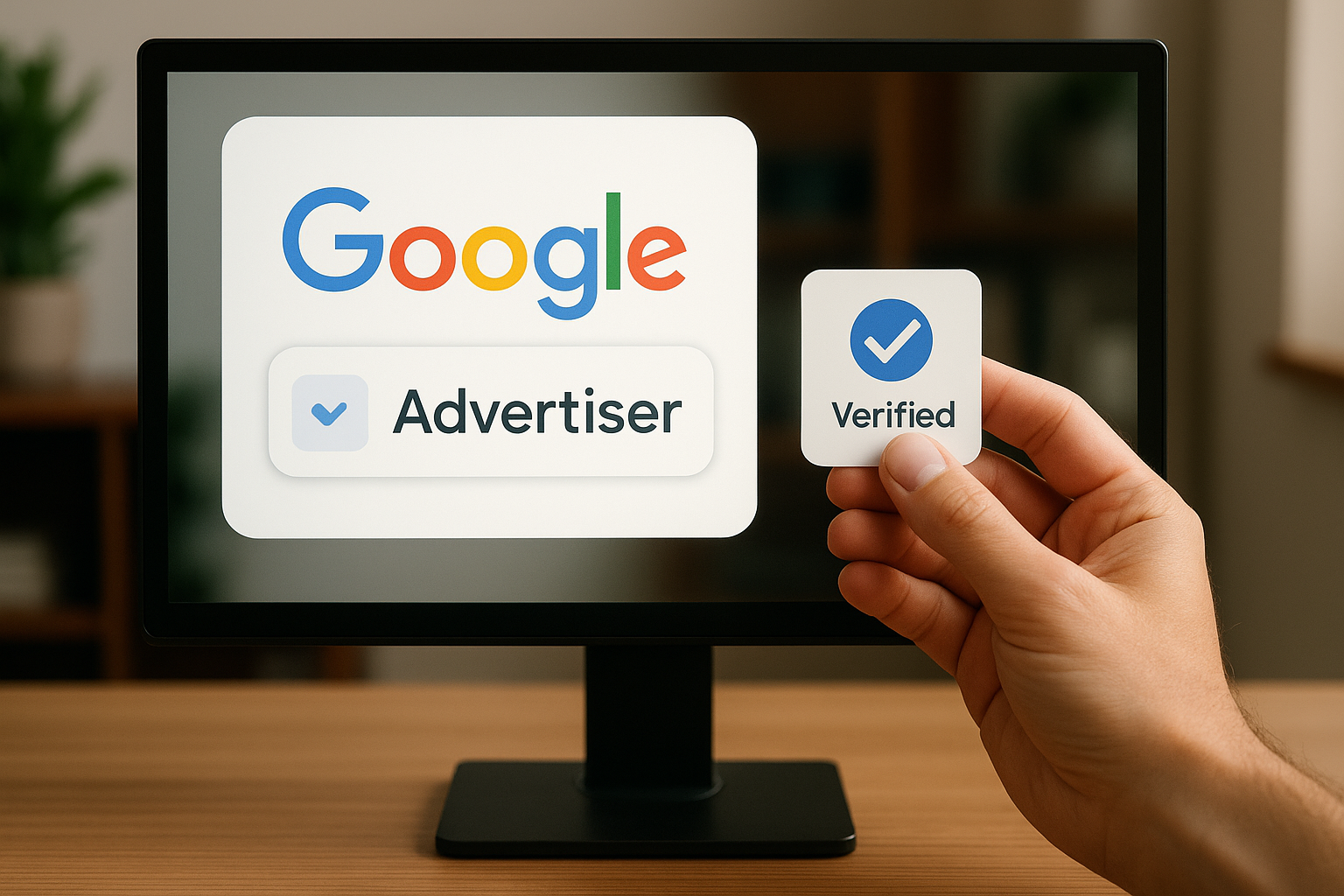
In today’s digital world, trust is everything. Online advertising is the main way businesses find customers, but those customers need to know they are safe.
To help with this, Google created the Advertiser Verification program. This process proves that your business is real and trustworthy. This guide explains what you need to do and why this verification should be your top priority if you are running ads in 2025.
What Is Google Advertiser Verification?
Google Advertiser Verification is a required step for all new advertisers. It confirms that your account is genuine and follows the rules.
To get verified, a business representative must submit official documents to prove who they are and that they have the right to represent the brand. This creates a safer, more open advertising world for everyone.
Why Verification Matters
1. Ensuring Trust and Safety
-
Fraud Prevention: Verification stops scammers and protects your budget from fake activity. Fraud Prevention is key to keeping your account safe.
-
User Confidence: When users see you are verified, they know your ads are real, which builds trust.
2. Improved Ad Performance
-
Better Visibility: Verified advertisers get to show their brand name and logo next to their ads. This makes your ad look more professional.
-
More Clicks: Verified ads often get higher click-through rates (CTR) because people feel safer clicking on them.
3. Better User Experience
-
Peace of Mind: Users feel comfortable buying from you when they know Google has checked your background. User Safety is Google’s top priority.
-
Safer Environment: By verifying advertisers, Google keeps the internet safer for everyone.
4. It Is Mandatory
-
New Accounts: As of mid-2025, all new Google Ads accounts must complete verification within 30 days. If you don’t, your campaigns could be paused.
The Verification Badge: How It Works
The verification badge is a small checkmark or label next to your name on an ad. It tells customers that Google has checked your details, such as where your business is located.
What Google Checks:
-
Business Registration: Official papers like your company registration or tax documents.
-
Identity: ID cards (like a passport or driver’s license) for the person managing the account.
-
Business Details: Your address, website, and other basic info.
How to Prepare for Verification
To make the process smooth, follow these steps:
-
Check Your Details: Make sure your company name, address, and website in Google Ads match your legal documents perfectly.
-
Audit Your Account: Ensure your ads and website follow all Google Ads Policy Compliance rules.
-
Gather Documents: Have your business registration and personal ID ready to upload.
-
Get Help: If you get stuck, contact Google Ads Support.
How to Complete the Verification
-
Notification: You will get an email or an alert in your account telling you to verify.
-
Start the Process: Go to Billing & Settings → Advertiser Verification in your Google Ads account. (Only an admin can do this).
-
Submit Documents: Upload your proofs within 30 days.
-
Wait for Approval: Google will review your documents and give you the Verification Badge once everything is approved.
Real-World Benefits
Advertisers who get verified see clear benefits:
-
More Trust: People are more likely to click on and buy from verified brands.
-
Better Returns: higher click rates often lead to more sales.
-
Stand Out: The badge separates you from competitors who haven’t been verified yet.
Conclusion
In a time where online trust is rare, Advertiser Verification is essential. It protects you from fraud, makes users feel safe, and improves your ad results.
Since Google now requires this for all new accounts, make sure your documents are ready today. Being verified is a simple way to build a stronger, more successful business.