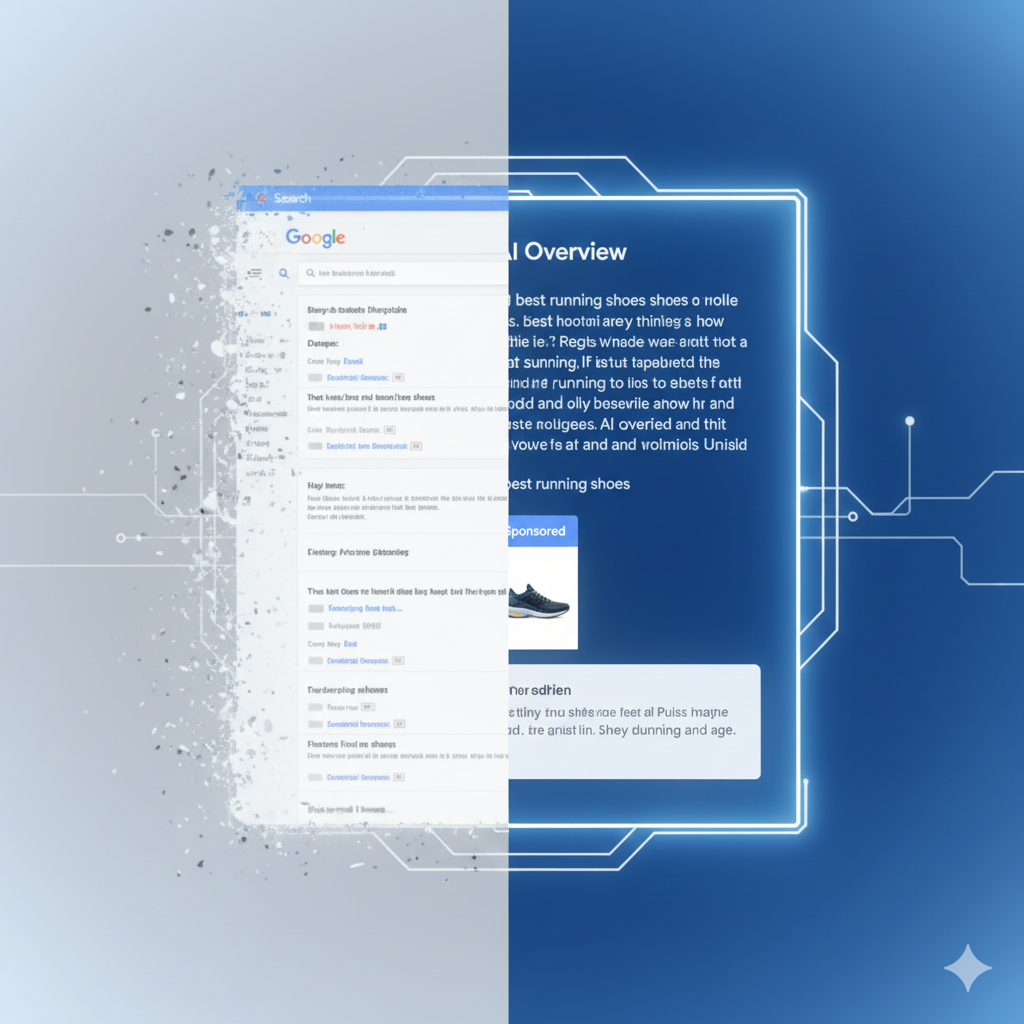
Remember the panic of 2024 when everyone asked, “Will AI kill Google Search?”
Fast forward to 2026, and the answer is clear: AI didn’t kill Search; it evolved it into an Answer Engine.
The days of users scrolling through ten blue links are largely behind us. Today, for complex queries, the AI Overview (formerly SGE) sits at the top of the SERP, synthesising answers, comparing products, and yes – displaying ads.
But here is the hard truth for advertisers: The old “keyword + headline” playbook doesn’t work inside an AI summary.
If you want your brand to show up where users are actually looking – inside that premium AI real estate – you need to optimise for Semantic Completeness and Conversational Intent. In this guide, we’ll break down exactly how to rank your ads in AI Overviews and capture the high-intent traffic your competitors are missing.
The New Landscape: “Inline”, “Companion”, and “Follow-Up”
In the old days (circa 2023), ads were just banners that pushed organic results down. In 2026, Google has integrated paid placements into the AI’s logic. To rank, you first need to understand the three formats currently dominating the SERP:
1. Inline Contextual Ads These are the “Holy Grail” of 2026. These text-based placements appear inside the AI-generated paragraph.
- How it looks: If a user asks, “Best running shoes for flat feet,” the AI writes a summary explaining arch support. Your ad for the Asics Gel-Kayano appears as a clickable citation or a “Featured Product” card directly within that advice.
- Why it wins: It doesn’t look like an interruption; it looks like a recommendation.
2. Companion Display Ads These appear to the right or immediately below the AI snapshot. They are visual-heavy and rely on your Google Merchant Centre feed.
- The shift: Google now uses “Generative Matching” to swap out the product image based on the query context (e.g., Showing your shoe on a trail background if the user searched for “trail running”).
3. Follow-Up “Suggestion” Ads AI Overviews are conversational. Users ask follow-up questions.
- The Opportunity: If a user clicks “Show more” or asks a follow-up like “Are they waterproof?”, Google triggers a new ad slot specifically for that refined intent.
Strategy #1: Optimising for “Semantic Completeness”
Google’s AI (Gemini) prioritises content – both organic and paid – that fully answers the user’s specific nuance. We call this Semantic Completeness.
If your landing page and ad copy are thin, generic, or sales-heavy (“Buy Now! 50% Off!”), the AI will ignore you. It wants to cite sources that add value to its summary.
How to Fix Your Ad Copy for AI:
- Stop Keyword Stuffing: Don’t just repeat “CRM Software” three times.
- Answer the “Implied” Question: If the keyword is “CRM for small business”, the implied questions are about price, ease of use, and scalability.
- The “Natural Language” Test: Rewrite your headlines to sound like a helpful assistant, not a billboard.
Old School Ad Copy
- Headline: Best CRM Software – Free Trial
- Desc: Sign up today for the #1 rated CRM. Easy to use.
2026 AI-Ready Ad Copy
- Headline: Simple CRM for Small Teams – No Setup Fees
- Desc: Automate your sales without the learning curve. See why 500+ startups switched to [Brand] for scalability.
Pro Tip: Google’s AI Max campaigns (the evolution of Search campaigns) now have a setting for “Conversational Asset Generation”. Turn this ON. It allows Google to dynamically rewrite your descriptions to match the tone of the AI Overview.
Strategy #2: The “Power Pack” Trio (PMax + Demand Gen + AI Max)
You cannot manually bid on “AI Overview placements”. Google’s algorithm decides who gets in based on a mix of bid, quality score, and relevance.
Not sure where to start?
We help businesses build marketing systems that actually work. Let us show you how.
Get Your Free Growth Plan →To maximise your chances, you need to adopt the “Power Pack” structure we use at Bizi Digital:
- AI Max (Search): Use Broad Match keywords combined with Smart Bidding. Broad Match is the only match type flexible enough to catch the long-tail, conversational queries that trigger AI Overviews.
- Performance Max (PMax): Ensure your Asset Groups are segmented by specific themes (e.g., “Waterproof Boots” vs. “Hiking Boots”). The more specific the asset group, the easier it is for the AI to pull the right image for a Companion Ad.
- Demand Gen: Use this to build brand affinity before the search happens. Users are more likely to click an Inline Ad if they recognise the brand name from a YouTube Short they saw yesterday.
(Check out our guide on Is Performance Max Stealing Your Brand Traffic? to ensure your PMax setup isn’t cannibalising your bottom line.)
Strategy #3: Visuals are the New Keywords
In 2026, the AI Overview is becoming increasingly visual. If your Google Merchant Centre feed only has one white-background image per product, you are invisible.
Google’s Asset Studio now allows you to generate 3D spins and “lifestyle” contexts for your products.
The Bizi Checklist for Visual Assets:
- Contextual Backgrounds: Do you have images of your product being used? (e.g., The tent set up in a forest, not just folded in a bag).
- Video Snippets: Short, 6-second looping videos are now eligible for “Companion” slots.
- Aspect Ratio Diversity: Ensure you have 9:16 (vertical) assets ready, as AI Overviews on mobile prioritise vertical scrolling.
Measuring Success: Beyond the Click
This is the hardest pill to swallow for traditional marketers: CTR (Click-Through Rate) is dropping.
But don’t panic. In an AI-first world, users get their answer without clicking. This is the Zero-Click phenomenon. However, when a user does click an ad inside an AI Overview, their Conversion Rate (CVR) is typically 2x–3x higher than a standard search ad.
Why? Because they are pre-qualified. They read the summary, compared the options, and decided to explore your solution.
New Metrics to Watch in 2026:
- Engaged-View Conversions: Did the user hover over your ad or expand your product card before converting later?
- Assisted Conversions: Did your presence in the AI Overview contribute to a branded search later in the week?
- Profit on Ad Spend (POAS): Since volume is lower but quality is higher, focus on the profit per sale rather than just ROAS.
Summary: Your 2026 Action Plan
Ranking in AI Overviews isn’t about “hacking” the algorithm. It’s about aligning your ads with the goal of the AI: To provide the best, most concise answer.
- Audit your Ad Copy: Does it answer a question, or just pitch a sale?
- Embrace Broad Match: It’s scary, but it’s the only way to reach conversational queries.
- Feed the Beast: Upload diverse, lifestyle-rich images to Merchant Centre.
Wait for the “Click” less, and value the “View” more.
The “Answer Engine” era is here. Is your brand part of the answer?
Need a full audit of your account’s readiness for AI Overviews? Contact Bizi Digital today for a 2026 Strategy Review.
FAQ: Google Ads & AI Overviews
Currently, no. If you run Search or Performance Max campaigns, your ads are eligible to appear in AI Overviews. The best defense is to use Negative Keywords to block irrelevant queries, but you cannot block the placement itself.
The CPC (Cost Per Click) is often higher because the inventory is premium and limited. However, the CPA (Cost Per Acquisition) often balances out because the conversion rate of these clicks is significantly higher.
Check your “Placement Reports” in Google Ads and look for “AI Overview” or “Generative Experience” segmentations (features rolling out gradually to all accounts in 2026).
No, but it has changed. We call it “Search Everywhere Optimization” now. You need to rank in the AI’s “brain” by having high-authority content that the AI cites. See our guide on The Future of AI in Advertising for more.