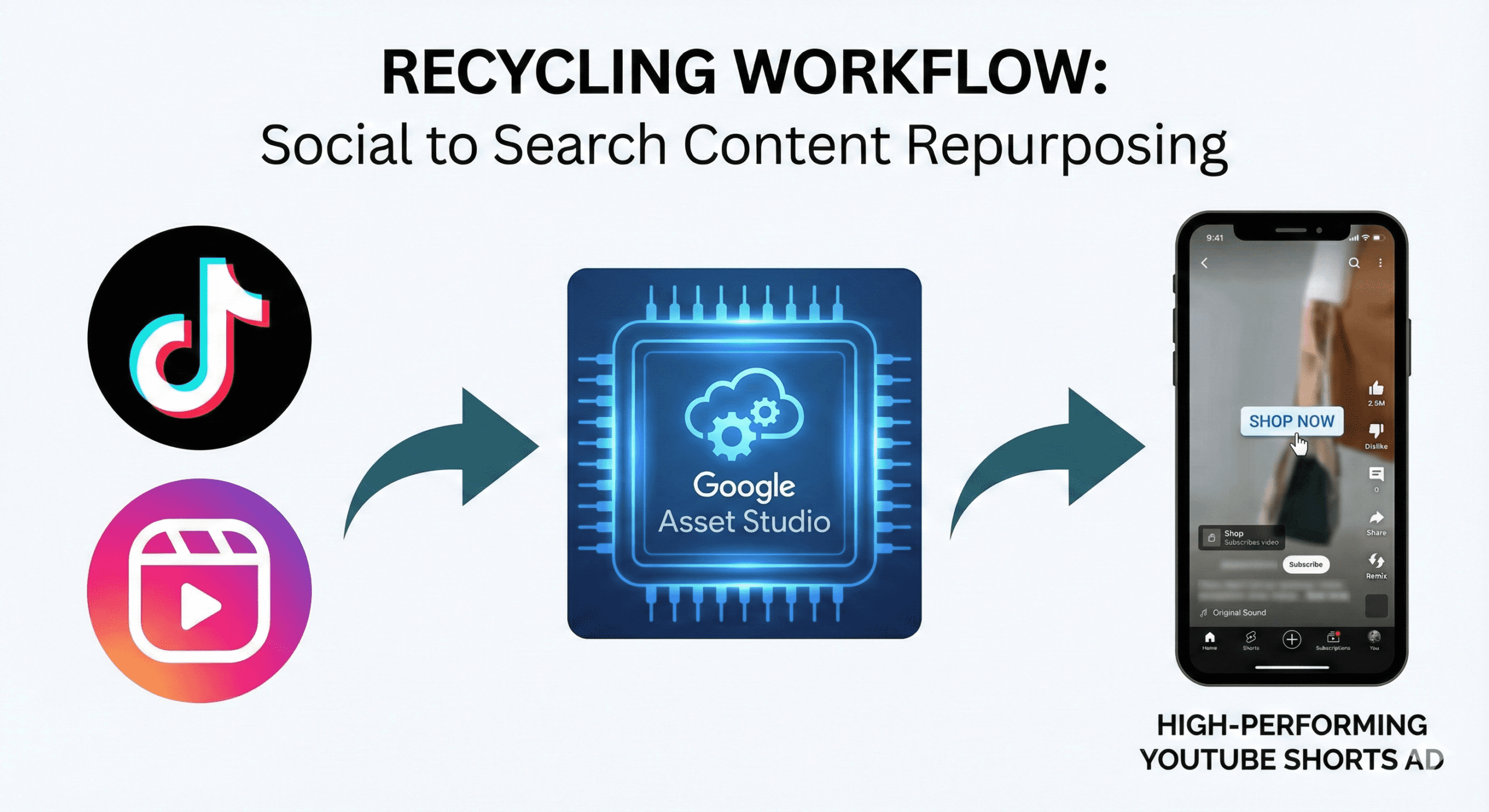
Here is the most common objection we hear when we tell clients they need video for Google Ads:
“We don’t have the budget for a production crew.”
But here is the irony: You probably already have the assets. You just have them saved in the wrong folder.
If your brand is active on TikTok, Instagram Reels, or even LinkedIn, you are sitting on a goldmine of creative potential. With YouTube Shorts now exceeding 70 billion daily views, Google has aggressively pivoted its inventory to prioritise vertical, short-form video.
The days of needing a polished, 16:9 TV-style commercial are over. In 2026, the “lo-fi”, authentic style of social video is actually outperforming high-gloss production in many Demand Gen and Performance Max auctions.
But you can’t just copy-paste a TikTok link into Google Ads. To make it work, you need to understand the nuance of the platform. Here is how to successfully repurpose your social content for the Google ecosystem without it looking out of place.
The Opportunity: Why YouTube Shorts is the New Battleground
For years, Google Ads was text-first (Search) or image-first (Display). Video was an afterthought, usually reserved for skippable pre-roll ads that everyone ignored.
That changed with YouTube Shorts.
YouTube Shorts has become the primary discovery engine for younger demographics and high-intent buyers. Unlike TikTok, where users are in a “doom scroll” trance, YouTube users often have a slightly higher intent—they are open to product discovery and education.
The “Inventory Gap”: Right now, there is a shortage of high-quality vertical video ads on Google. Many advertisers are still running horizontal videos that look terrible on mobile, or static images that get low engagement.
By simply porting your vertical social content over, you instantly look more native, professional, and engaging than 80% of your competitors.
Step 1: The “Vibe Check” (TikTok vs. YouTube)
Before you upload, you need to audit your content. What works on TikTok doesn’t always work on Google.
- TikTok is often about trends, sounds, and pure entertainment.
- Google/YouTube is about solutions and utility.
The Repurposing Filter: Look at your top-performing Reels/TikToks. Ask yourself: Does this video solve a problem or explain a benefit?
- Keep: Product demos, unboxings, testimonials, “how-to” clips, and problem/solution hooks.
- Discard: Lip-sync trends, inside jokes, or content that relies heavily on a copyrighted trending sound (Google will disapprove these instantly for copyright violations).
Step 2: “Sanitising” the Asset
Nothing screams “lazy” like seeing a TikTok watermark on a YouTube ad. It kills trust immediately.
Not sure where to start?
We help businesses build marketing systems that actually work. Let us show you how.
Get Your Free Growth Plan →To prep your files for Google Ads (Demand Gen or PMax), follow this checklist:
1. Remove Watermarks Use your original raw files or a third-party tool to remove the TikTok/IG logo. Google’s algorithm may actively suppress ads that carry competitor watermarks.
2. Check the Safe Zones
- On TikTok, the caption is at the bottom left.
- On YouTube Shorts, the title, channel name, and “Subscribe” button occupy the bottom ~20% of the screen.
The Fix: Ensure your key visuals and text overlays are centred or in the top half of the frame. If your text is at the bottom, it will be covered by the “Install App” button.
3. Music Rights Social platforms have licensing deals that allow you to use pop songs organically. Google Ads does not. If you use a copyrighted track in an ad, it will be rejected. Swap the audio for royalty-free stock music or a generic beat.
Step 3: The “Google-ification” Edit
Social content is designed for engagement (likes/comments). Google content is designed for action (clicks/conversions). You need to tweak the edit to drive the click.
1. Front-Load the Brand On TikTok, you might save the reveal for the end. On Google, you have 5 seconds before the user scrolls. Show the product or brand logo within the first 3 seconds.
2. Add a Persistent Visual CTA YouTube Shorts ads have a clickable button, but users often miss it. Add a text overlay in the final 5 seconds of the video that points to the button area (usually bottom left/centre) saying “Shop Now” or “Get 20% Off”.
3. The “Loop” Effect Google ads loop. Edit the end of your video so it seamlessly transitions back to the start. This increases “Watch Time”, which is a signal Google uses to determine ad quality (and lower your CPM—Cost Per Mille).
Pro Tip: Google’s Asset Studio (inside the Google Ads interface) now has AI tools that can trim, crop, and even add voiceovers to your videos automatically. You don’t need Premiere Pro; you just need the raw file.
Step 4: Where to Launch (Campaign Types)
Once your assets are polished, where do they go? You have three main homes for short-form video in 2026.
1. Demand Gen Campaigns (Best for Scale)
This is the native home for Shorts. Demand Gen allows you to target “Lookalike” audiences and social-style segments (e.g., “Fashion Enthusiasts”).
- Strategy: Run your repurposed videos here to build awareness and retarget social engagers.
2. Performance Max (PMax)
If you don’t provide video to PMax, Google will auto-generate a slideshow video for you (which usually looks terrible).
- Strategy: Upload your high-quality vertical videos to PMax to override the auto-generated ones. This protects your brand image and improves performance on mobile placements.
3. Video View Campaigns (VVC)
If your goal is purely views and not clicks, use VVC.
- Strategy: Use this for product launches or brand announcements where you just want maximum eyeballs on the video for the lowest Cost Per View (CPV).
Conclusion: Content Efficiency is Key
In 2026, content production is the biggest bottleneck for advertisers. If you are treating Google, TikTok, and Instagram as silos that require unique shoots for every platform, you are burning money.
Your audience is the same person. They switch from Instagram to YouTube to Google Search ten times a day.
By building a pipeline that creates “Social-First” video and then sanitises and repurposes it for “Search-Intent” platforms, you double the lifespan of every creative asset you make.
Stop thinking you need a TV commercial. You just need to move the file from Folder A to Folder B.
Need help editing your social assets for Google compliance? Contact Bizi Digital for a “Creative Refresh” audit.
FAQ: Short-Form Video on Google
While you can go up to 60 seconds, the sweet spot for performance ads is usually 15 to 30 seconds. This is long enough to explain the value proposition but short enough to maintain high retention rates.
You can, but you shouldn’t. Google will “letterbox” them (add black bars above and below), which looks unoptimised and wastes 70% of the screen real estate. Always use vertical (9:16) or square (1:1) at a minimum.
Not necessarily. Native-style voiceovers (shot on a mobile) often perform better because they feel authentic. However, Google’s Asset Studio now offers AI text-to-speech features that are surprisingly realistic if you need a quick voiceover added to a silent clip.