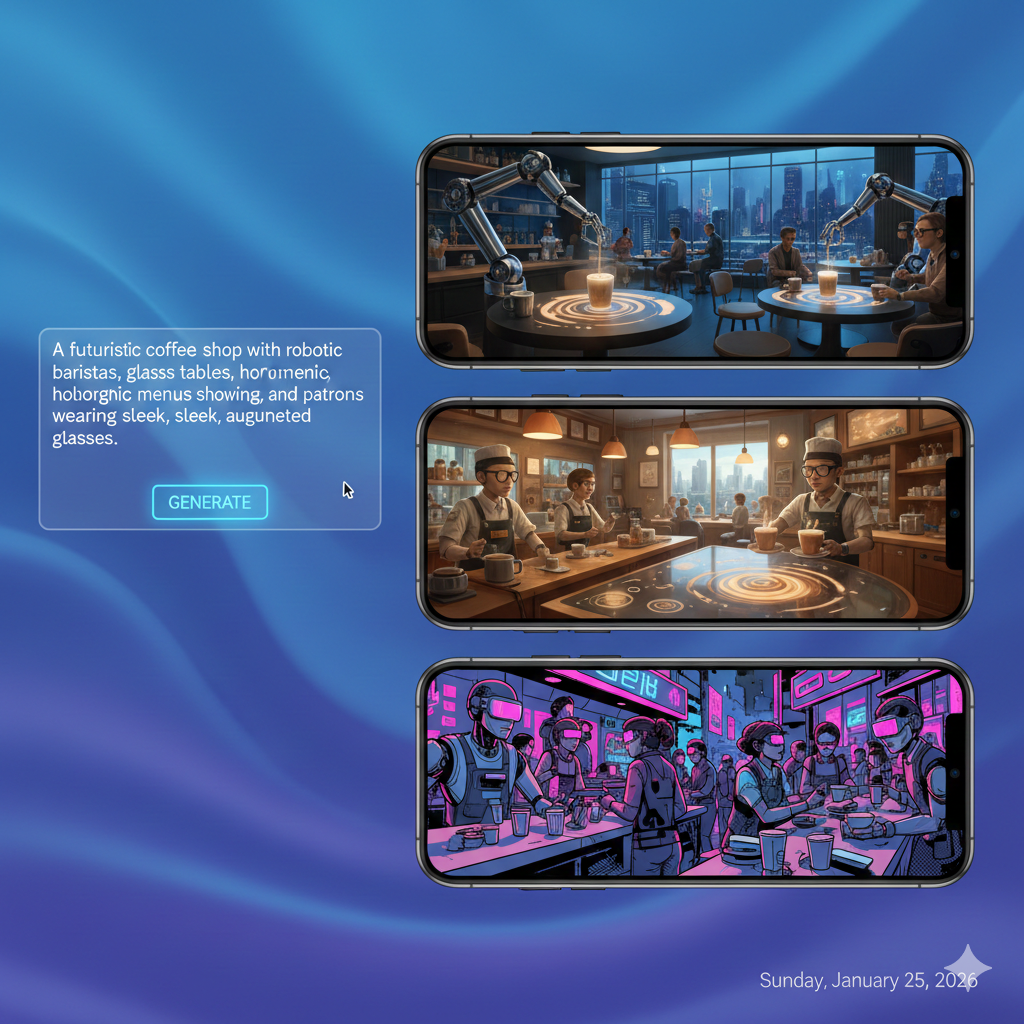
If you have managed a Google Ads account recently, you know the struggle. The machine is hungry.
Performance Max, Demand Gen, and the new visual-heavy Search ads all demand a constant stream of fresh, high-quality images and videos. In the past, this meant expensive photo shoots, endless stock photo subscriptions, or hours in Canva.
But in 2026, the game has changed. Enter the Google Ads Asset Studio.
It is no longer just a storage folder for your logos. It is a full-blown AI creative suite. With built-in generative AI, image-to-video capabilities, and smart upscaling, Asset Studio allows advertisers to generate months of creative assets in minutes.
However, great tools do not guarantee great results. You can easily generate “weird” AI images that hurt your brand if you are not careful.
In this guide, we will walk you through how to master the Google Ads Asset Studio, write prompts that actually work, and build a creative strategy that drives lower CPAs.
What is Google Ads Asset Studio?
The Asset Studio is Google’s integrated creative hub. It lives directly within the Google Ads interface and serves as the central engine for building assets for:
- Performance Max (PMax)
- Demand Gen
- App Campaigns
- Visual Search Ads
Unlike third-party tools such as Midjourney or Dall-E, Google’s Asset Studio is specifically tuned for advertising. It understands aspect ratios, policy restrictions, and product placement better than general-purpose AI tools.
Why It Matters Now
In 2026, creative is the new targeting. Google’s bidding algorithms have largely mastered audience targeting. The biggest lever you have left to pull is the creative you feed the algorithm.
If you feed PMax bad images, you get bad leads. If you feed it diverse, high-quality visual hooks, you capture attention. Asset Studio is the fastest way to bridge that gap.
The Core AI Features You Need to Use
Google has packed several generative AI features into the studio. Here are the three you should be using daily.
1. Text-to-Image Generation
This is exactly what it sounds like. You describe an image, and Google generates it.
- How it works: You type a prompt like “Professional skincare serum bottle on a marble table with morning sunlight and monstera leaves,” and the AI generates four unique variations.
- The Bizi Pro Tip: Google’s AI favours “lifestyle” imagery over text-heavy graphics. Do not try to generate an image with text overlay, such as “50% OFF”, because the AI will garble the letters. Use this feature to create emotional background images or product-in-use shots.
2. Image-to-Video (The “Sleeper” Feature)
This is the most underrated feature in the 2026 update. Many businesses struggle with video ads because video production is expensive.
With Image-to-Video, you can upload a high-performing static image, and Google’s AI will animate it. It can add subtle motion to water, pan across a landscape, or zoom in on a product.
- Why use it? YouTube Shorts and Demand Gen placements require video. If you do not have video, Google will auto-generate a slideshow that often looks cheap. Using Image-to-Video gives you a polished, native-feeling video asset in seconds.
3. Smart Image Enhancement
Have an old photo that is too small or grainy? Asset Studio now includes AI upscaling and “out-painting.”
- Out-painting: Let’s say you have a square Instagram photo, but you need a landscape image for a YouTube ad. The AI can “paint” the extended background to fill the space naturally rather than just stretching the image.
Related Reading: Still wondering if AI will replace your job? Read our take on AI vs. Human: Where a Google Ads Manager Still Adds Value.
The Art of the “Ad Prompt”: Best Practices
Getting a good image out of AI is a skill. If you type “happy dog,” you will get a generic, stock-photo-looking dog. If you want high conversion rates, you need to be specific.
Not sure where to start?
We help businesses build marketing systems that actually work. Let us show you how.
Get Your Free Growth Plan →Here is our 3-Step Framework for Asset Studio Prompts:
1. Define the Subject + Lighting
Be specific about the light. “Natural lighting,” “Golden hour,” or “Studio lighting” drastically changes the vibe.
- Bad: “A car driving.”
- Good: “A silver electric sedan driving on a coastal highway during sunset, cinematic lighting, photorealistic.”
2. Set the Style
Tell Google you do not want a cartoon (unless you do).
- Keywords to use: Photorealistic, 4k, macro photography, film grain, minimalist.
3. Avoid “Uncanny Valley” Humans
Even in 2026, AI struggles with hands and complex facial expressions in crowd shots.
- Strategy: Focus your AI generation on objects, environments, and back of head shots.
- Example: Instead of showing a family’s faces eating dinner (which might look odd), generate a close-up of a delicious dinner table spread with blurred figures in the background. It conveys the same emotion without the risk of AI distortion.
10 Google Ads Asset Studio Prompts to Copy Right Now
Framework understood. Here are 10 prompts you can paste straight into Asset Studio. Each one follows the three-step structure above. Swap in your product name, colour palette, or setting and generate.
1. Fashion and clothing
Prompt: A navy linen shirt folded on a white marble surface beside a small ceramic pot plant, soft natural daylight from the left, flat lay composition, product photography, photorealistic, 4k.
2. Home services (kitchens and bathrooms)
Prompt: A bright white bathroom with a freestanding bath and brushed chrome fixtures, soft natural light through a frosted window, editorial interior photography, no people, photorealistic.
3. Professional services (accountants and solicitors)
Prompt: A polished wooden desk with an open notebook, a fountain pen, and a glass of water, soft directional window light, minimal professional office setting, no text, photorealistic.
4. Food and beverage (cafe or bakery)
Prompt: Three freshly baked croissants on a white ceramic plate beside a black coffee in a glass, morning light through a cafe window, overhead flat lay, artisan bakery aesthetic, photorealistic.
5. Fitness and gym
Prompt: A set of black kettlebells arranged on a rubber floor mat with a folded towel, bright commercial gym lighting, no people, editorial fitness photography, photorealistic.
6. Tech and electronics
Prompt: A pair of matte black wireless headphones resting on a minimal white desk with a closed laptop, soft diffused studio lighting, product photography, no text, photorealistic, 4k.
7. Seasonal campaigns (winter and Christmas)
Prompt: A gift wrapped in kraft paper and twine resting on a snow-dusted wooden windowsill, warm candlelight glow from inside, shallow depth of field, cosy winter atmosphere, photorealistic.
8. Skincare and beauty
Prompt: A white glass dropper bottle on a grey stone surface beside a single white rose, soft diffused studio light, luxury skincare editorial, no text, macro photography style, photorealistic.
9. B2B and software
Prompt: An open-plan modern office with standing desks, indoor plants, and floor-to-ceiling windows with a city view, natural daylight, no people, architectural interior photography, photorealistic.
10. Property and estate agents
Prompt: The front of a detached red-brick house with a blue front door, a neat lawn, and hanging baskets in full bloom, late afternoon golden sunlight, estate agent photography style, no people, photorealistic.
Each prompt uses the same three components: a clear subject, a specific light source, and a style keyword. Adjust the brand details and you have a test-ready creative in under a minute. If you want help building the campaign structure around these assets, Bizi Digital’s Google Ads management service covers the full account from creative strategy to bid management. Still deciding whether to manage in-house or bring in a specialist? Our in-house vs agency Google Ads comparison breaks down the real cost of each route.
Case Study: Stock Photos vs. AI Custom Assets
Let’s look at a hypothetical scenario we see often at Bizi Digital.
The Client: A boutique coffee roaster. The Challenge: They have a small budget and only three professional photos of their product bags. Their PMax campaign is fatigued because users keep seeing the same three images.
The Old Solution (Stock Photos): The client spends £150 a month on generic stock photos of “people drinking coffee.”
- Result: The ads look like every other coffee brand. CTR drops.
The Asset Studio Solution: We take the client’s logo and colour palette and use Asset Studio.
- Prompt: “Close up of a steaming cup of dark roast coffee on a rustic wooden table, cozy library background, steam rising, warm atmosphere, photorealistic.”
- Variation: We generate 12 variations for different seasons (e.g., snowy window background for winter, sunny patio for summer).
The Outcome: By rotating these fresh, relevant visuals weekly, the Ad Strength score in Performance Max jumps from “Average” to “Excellent.” The algorithm has more data to test, leading to a 15% decrease in CPA simply by refreshing the creative.
Internal Link: Is your campaign stealing your own traffic? Check our guide:Is Performance Max Stealing Your Brand Traffic?
Step-by-Step: Creating Your First “AI Asset Bundle”
Ready to try it? Here is a quick workflow to create a robust asset group for your next campaign.
- Open your Campaign: Go to an existing Performance Max or Demand Gen campaign and click “Edit” on your Asset Group.
- Enter Asset Studio: Click the “Create” or “Library” button near the image section.
- Generate the “Hook” (3 Images): Use text-to-image to create three distinct visual hooks.
- One product-focused (close up).
- One lifestyle-focused (environment).
- One abstract/texture-focused (brand colours).
- Create the Video: Select your best-performing static image and use the “Animate” or “Video Creation” tool to turn it into a 6-second bumper ad.
- Review Policy: Google automatically checks for policy violations. Ensure no logos are distorted and the images are clear.
- Save & Launch: Add these to your asset group.
The “Human Touch” is Still Required
While Asset Studio is powerful, it is not a set-it-and-forget-it solution.
AI can generate images, but it cannot generate strategy. It does not know that your customers hate the colour orange, or that your competitor is running a specific offer this week.
You still need a human eye to:
- Curate the best images from the AI output.
- Overlay compliant text or logos using tools like Canva or Photoshop (since Asset Studio struggles with text).
- Monitor performance and kill the assets that do not convert.
Not sure if your current campaigns are getting the best from the assets you run? A Google Ads audit will show you exactly where the creative is working and where the budget is being wasted.
The “Power Pair” of the future isn’t just Search + Demand Gen. It is AI Efficiency + Human Strategy.
FAQ
Yes, it is free to use for any advertiser with an active Google Ads account. There are no extra credits required to generate images, which saves small businesses hundreds of pounds in stock photo fees.
Generally, Google grants you the right to use these images for your advertising campaigns. However, copyright laws regarding AI are evolving in 2026. We recommend using these images strictly for your ads and not as your primary brand assets, such as logos.
This usually happens when prompts are too complex or involve too many human figures. Try simplifying your prompt or focusing on objects and landscapes rather than people.
Yes! Google now allows visual assets in Search Ads via Image Extensions. Using unique, AI-generated images can help your text ad stand out on the search results page.