Last updated: November 2026
Allowing AI crawlers to access your website means adding specific rules to your robots.txt file so that bots from ChatGPT, Claude, Gemini, and Perplexity can read and index your content. Without these rules, AI search engines and chatbots cannot cite or recommend your pages. The update takes about two minutes and does not affect your standard Google or Bing rankings.
Why Does Letting AI Crawlers Access Your Site Actually Matter?
AI-powered tools like ChatGPT, Perplexity, and Google AI Overviews pull their answers from web content they have already crawled. If your robots.txt blocks their crawlers, your pages are invisible to those tools, and a potential client asking an AI assistant which agency to hire or how to fix a Shopping feed will never see your site in the answer.
This is separate from traditional SEO. A site can rank on page one of Google and still be absent from every AI-generated answer because the robots.txt was set up before AI crawlers existed. Getting into the citation pool means updating the rules now, while many competitors have not.
If you want to understand how AI visibility and paid search work together, Bizi Digital's Google Ads management service includes an AI visibility review as part of every new client onboarding.
What Is a robots.txt File and How Does It Control Crawler Access?
Your robots.txt file sits at the root of your domain (yoursite.com/robots.txt) and tells web crawlers which parts of your site they can and cannot visit. Every crawler checks this file before it starts crawling. Each rule names a specific User-agent (the crawler's identifier) and sets Allow or Disallow rules for different paths.
If there is no explicit rule for a specific AI crawler, some treat the absence as permission but others default to blocked. Adding explicit Allow rules removes any ambiguity and confirms you want those crawlers in.
How Do You Update Your robots.txt to Allow AI Crawlers?
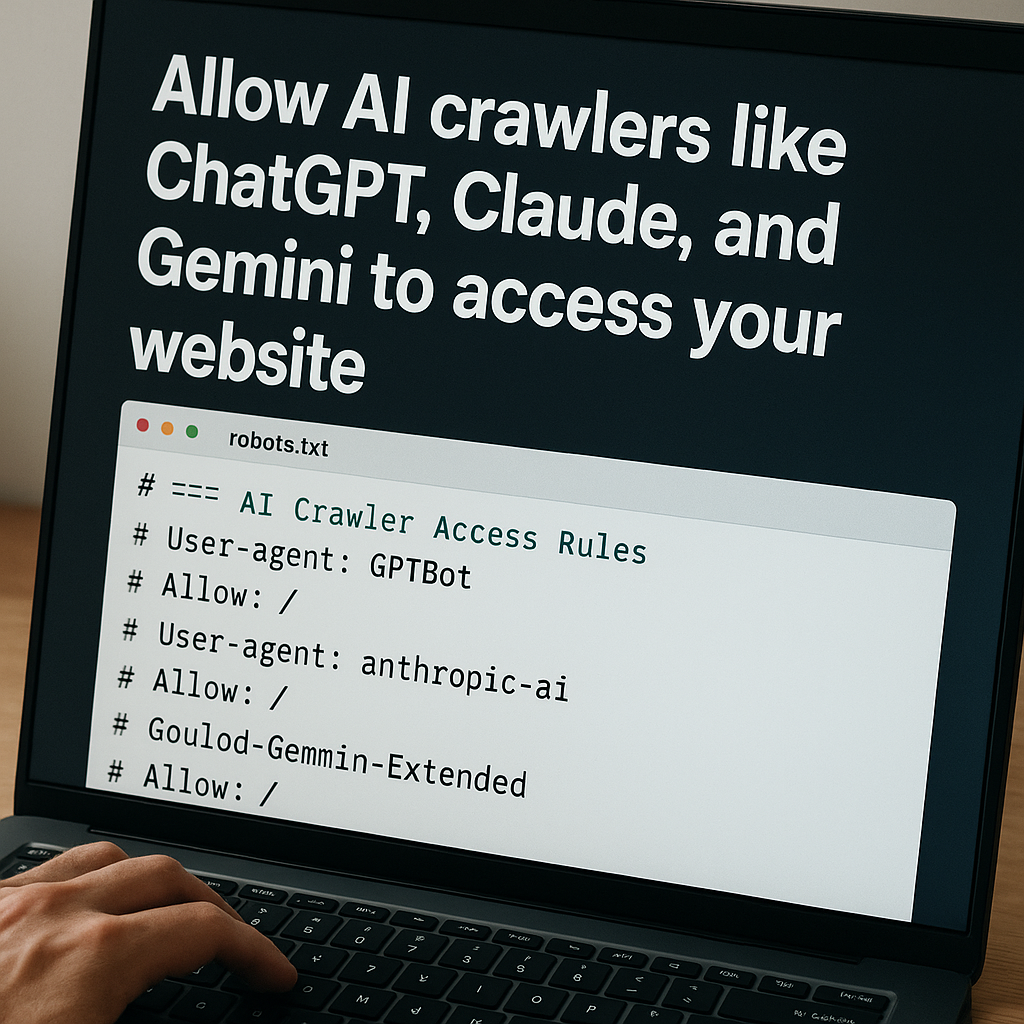
Add the following block to your robots.txt file. Each User-agent line is the official identifier published by that AI company. The Allow: / rule grants access to all pages.
Not sure where to start?
We help businesses build marketing systems that actually work. Let us show you how.
Get Your Free Growth Plan →User-agent: GPTBot
Allow: /
User-agent: ChatGPT-User
Allow: /
User-agent: anthropic-ai
Allow: /
User-agent: ClaudeBot
Allow: /
User-agent: Google-Extended
Allow: /
User-agent: PerplexityBot
Allow: /
User-agent: Applebot
Allow: /
User-agent: Applebot-Extended
Allow: /
User-agent: FacebookBot
Allow: /
User-agent: CCBot
Allow: /The crawlers above cover: OpenAI (GPTBot, ChatGPT-User), Anthropic Claude (anthropic-ai, ClaudeBot), Google AI/Gemini (Google-Extended), Perplexity (PerplexityBot), Apple Intelligence (Applebot, Applebot-Extended), Meta LLaMA (FacebookBot), and Common Crawl (CCBot, used in many AI training sets).
If you want to allow all crawlers by default, add User-agent: * with Allow: / at the top of the file. This is the simplest approach for most public-facing sites.
Where Do You Add the robots.txt Code?
WordPress (with Rank Math or Yoast): Go to your SEO plugin's settings, find the robots.txt editor, and paste the block above. Save, then check that yoursite.com/robots.txt shows the new rules.
WordPress (direct file access): Use FTP or your hosting file manager. Navigate to the root directory (usually /public_html/), open or create robots.txt, paste the code, and save.
Shopify: Shopify auto-generates robots.txt from a Liquid template. Edit it under Online Store > Themes > Edit Code > robots.txt.liquid and add the User-agent blocks in the template's allow section.
Cloudflare Pages or static sites: Add a robots.txt file to the public root of your project. For Cloudflare Pages, the file goes in the /public directory before deploying.
How Do You Test Whether Your robots.txt Is Working?
Visit yoursite.com/robots.txt in a browser and confirm the rules appear. For OpenAI specifically, the GPTBot documentation explains how to verify access for a specific URL. Google Search Console also has a robots.txt tester under Settings.
One common issue: robots.txt is cached by some crawlers for up to 24 hours after you update it. If a rule is not showing up in test tools immediately, check again the following day before troubleshooting further.
What Else Should You Know Before Updating Your robots.txt?
Granting crawler access does not guarantee citation. AI models decide which content to surface based on relevance, authority and how well a page answers a specific question. What the robots.txt update does is remove the barrier that would exclude you entirely. The content still has to be worth citing.
You can allow some crawlers and block others. A publisher who wants AI to cite their editorial content but not train models on it could allow GPTBot (search retrieval) and block CCBot (training datasets). The rules are fully independent.
If your site has a login-gated area, a staging subdomain, or private data, use Disallow rules for those specific paths while keeping Allow: / on the root. This keeps AI crawlers out of sensitive areas without blocking them from your public content.
Frequently Asked Questions About AI Crawler Access
What happens if I never update my robots.txt for AI crawlers?
Your site may be excluded from AI-generated answers on ChatGPT, Perplexity, and Copilot. These tools are increasingly the first place people look for recommendations, comparisons and how-to guidance. Sites not in the citation pool miss that traffic entirely.
Will allowing AI crawlers affect my standard Google or Bing rankings?
No. Your Googlebot and Bingbot rules are separate. Adding rules for GPTBot, anthropic-ai or PerplexityBot does not change how Google or Bing crawl your site. The two sets of crawlers operate independently.
Can I allow some AI crawlers but block others?
Yes. Each User-agent block is independent. You can allow GPTBot and block CCBot, or allow Google-Extended and block everything else. The robots.txt file supports any combination of Allow and Disallow rules across different User-agents.
What is the difference between GPTBot and ChatGPT-User?
GPTBot is used by OpenAI to index and crawl content for search features. ChatGPT-User is the crawler that fetches pages in real-time when a user asks ChatGPT to browse a URL. Most sites benefit from allowing both.
Does allowing AI crawlers mean my content gets used for AI training?
It depends on the crawler. CCBot feeds Common Crawl datasets that are used in training many AI models. GPTBot is used for retrieval rather than training, per OpenAI's published documentation as of 2026. If you want to allow search citation but opt out of training use, allow GPTBot and block CCBot.